Booking does not provide any direct email address to partners. Everything goes through the inbox of your extranet, the Pulse app or the emergency phone line. Here are the four official channels and the response times to know in 2026.
Why Booking does not offer email to property owners
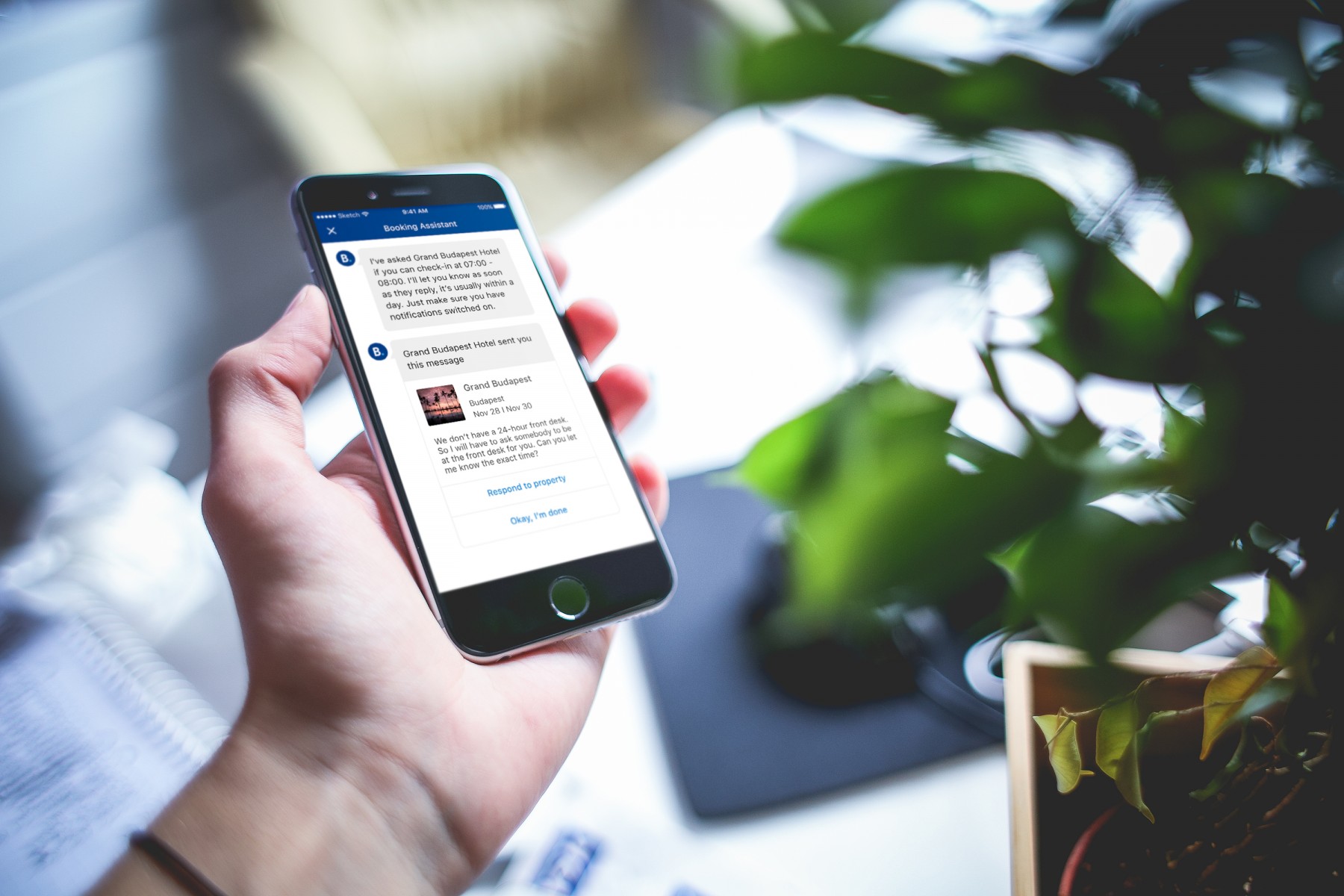
Booking states it clearly in its help centre: “We do not have an email address.” To contact Booking as a property owner, you use your extranet, the Pulse app or the localised phone number. No other official channel exists.
This choice follows three concrete logics:
- Tracking every exchange in your property file
- Routing your requests automatically to the right team
- Preventing identity fraud through fake emails
This is what distinguishes Booking from smaller short-term rental platforms. On those, contact often goes through standard messaging.
The extranet inbox, your main channel
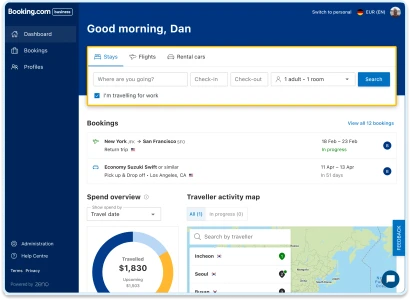
The extranet is your Booking dashboard. It is also the official channel for any non-urgent or financial question. Booking recommends it as the first option.
How to send a message to Booking from the extranet
Follow these steps:
- Log in to your extranet at admin.booking.com
- Click on the Inbox menu
- Select Booking.com messages
- Go to Contact us or Can't find what you're looking for?
- Click on See contact options or Write a new message
- Choose the topic then the subtopic
- Write your message and click Send
If you manage several properties, access each inbox from the Group home page menu. To automate this multi-account management, some owners use a dedicated short-term rental management software.
The 10 official topics for Booking customer service
Booking offers ten topic categories to direct your messages:
| Topic | Covers |
|---|---|
| Rates and availability | Prices, conditions, restrictions |
| Promotions | Setting up an offer or promotional rate |
| Reservations | Cancellations, modifications, payments |
| Opportunities | Opportunities and growth centre |
| Guest reviews | Score, response, reporting |
| Invoices and commission | Accounting, disputes, VAT, charges |
| Receiving my payments | Payouts, virtual cards, bank details |
| Analytics | Your property's performance |
| Property info | Photos, amenities, description |
| Account | Password, contracts, channel manager, technical issue |
Choosing the right topic determines how quickly your request is processed. A misclassified message is redirected internally, which adds several days to the response time.
Before sending your message, gather all factual details: reservation number, date, screenshots, exact amount. A precise message is resolved in a single exchange. A vague message forces the Booking claims service to ask for additional information.
The Pulse app, the extranet on mobile
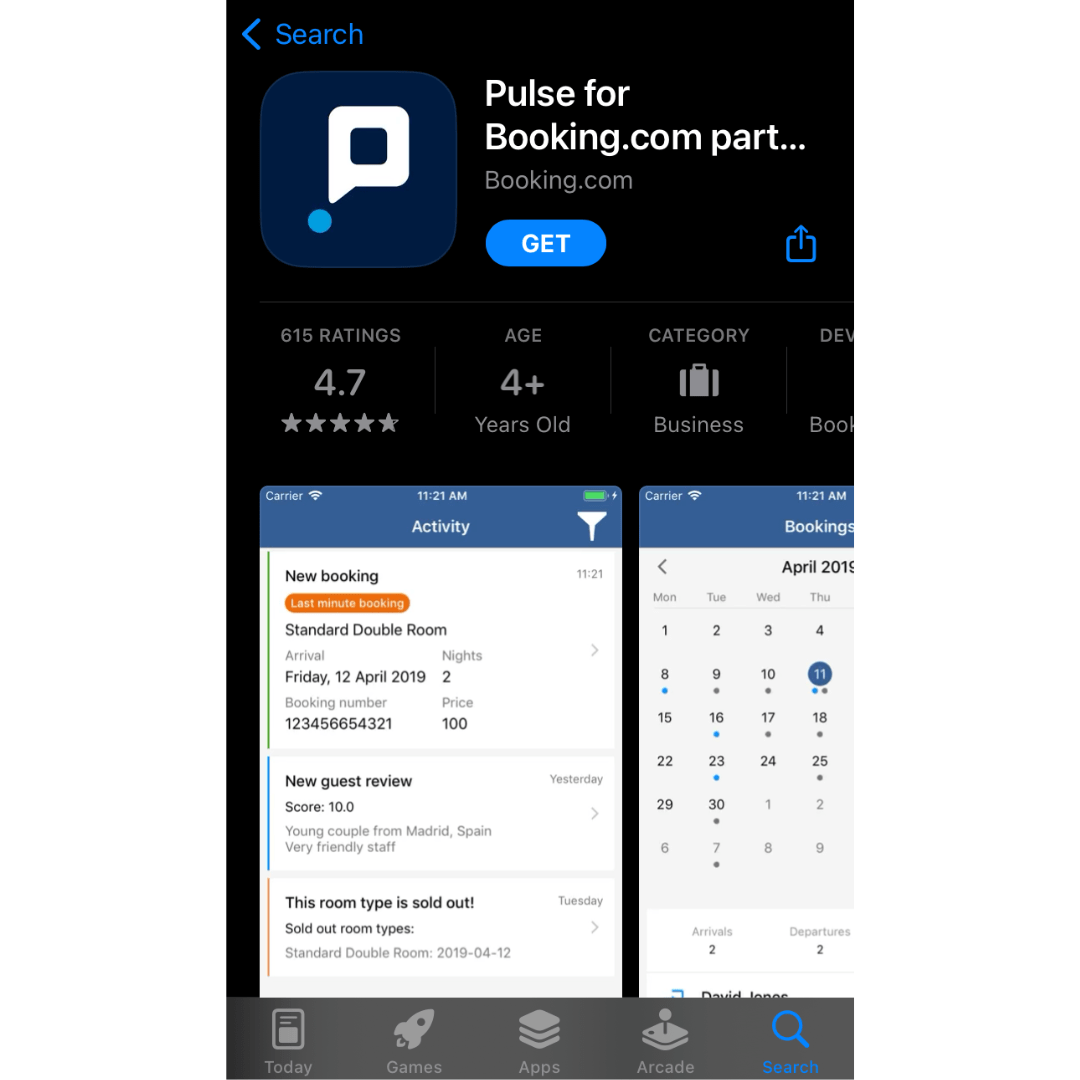
Pulse is the official app for Booking partners. It replicates the extranet functions on mobile: calendar, reservations, guest messaging and Booking messaging.
To contact Booking from Pulse:
- Open the app and tap More
- Scroll down and tap Help
- Select the envelope icon
- Choose the topic and subtopic
- Write your message and tap Send
The app requires Android 9.0 or iOS 15.6 minimum. On first login, Booking asks you to verify your device by SMS or call. This step protects your account against fraudulent access.
What is your property's potential?
Get a free, no-commitment rental audit from our on-the-ground team.
The phone line, reserved for emergencies
To contact Booking by phone, the number displayed changes depending on your country. No public Booking France phone number is shared outside the extranet.
This restriction is designed to prevent fraudulent cold calling. Numbers visible on third-party sites are not all official. Some are third-party centres that sell paid advice.
To find your official number:
- Log in to your extranet
- Go to Help or Contact us
- Select the topic for your request
- The local number appears with the contact options
Reserve phone calls for genuinely urgent matters: extranet outage blocking reservations, security alert, immediate payment error. For everything else, the inbox remains more effective. It keeps a written record that is useful in case of dispute.
Before calling, open your extranet on the relevant reservation. Prepare a note with your property ID, the reservation number, the date and a summary of the issue. A structured call takes five minutes. An improvised one takes twenty.
The Booking Dispute Resolution Centre
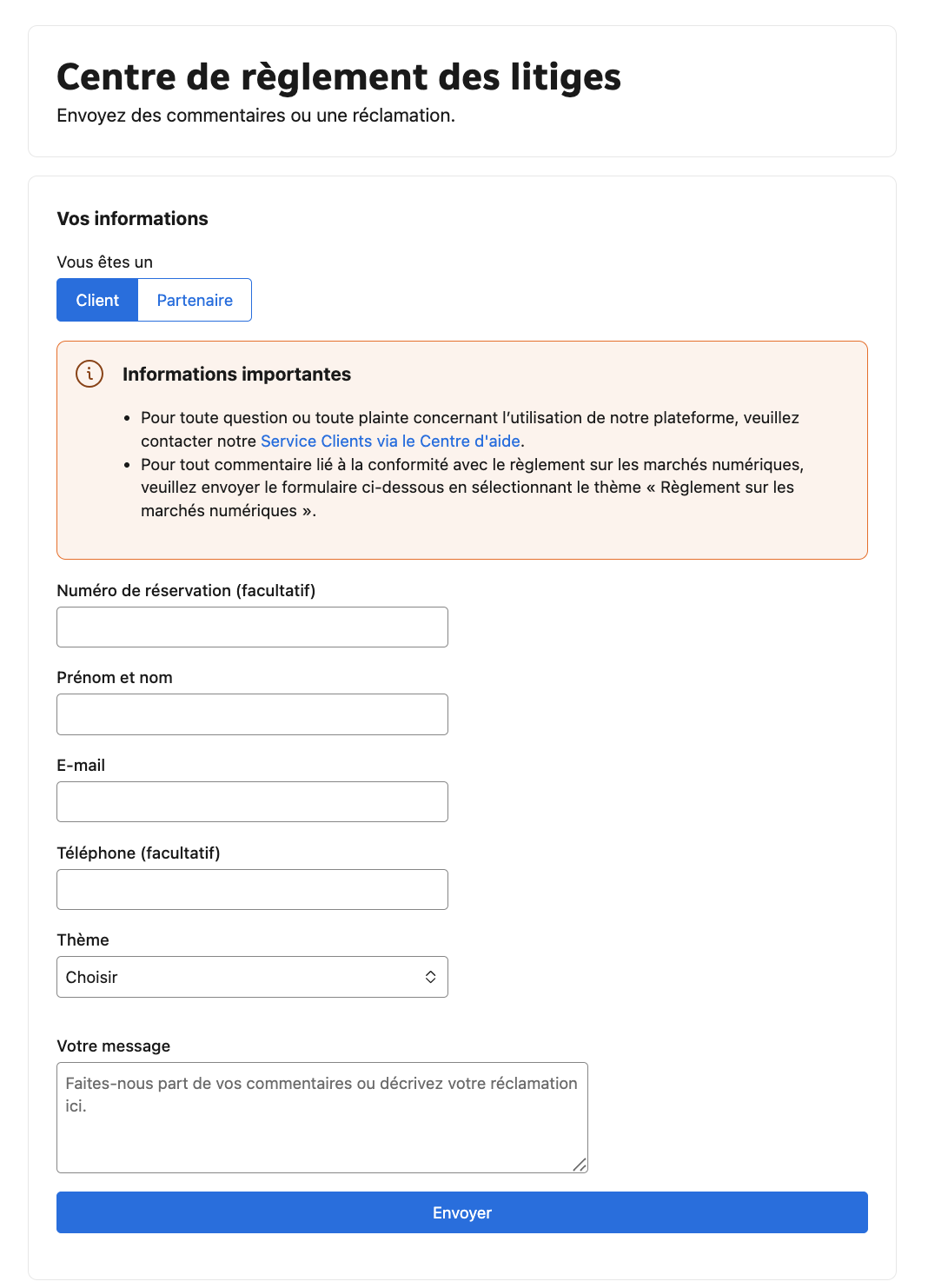
The Dispute Resolution Centre is the official tool for filing a formal complaint. It is accessible at this public URL: secure.booking.com/dispute_resolution.en.html. It is the only channel accessible without extranet credentials.
The Booking claims service handles each case as follows:
- Acknowledgement of receipt via the extranet inbox or by email
- Regular updates on progress
- Request for additional information if needed
- Notification of the outcome once resolved
Property owners in the European Economic Area have access to a dedicated mediation service. This option applies if the proposed resolution does not satisfy you. It is mandated by the European P2B regulation on platform-to-business relations. The logic is similar to an Airbnb complaint, with the difference that Booking enforces its own internal channels.
How long does Booking take to reply?
Response times vary depending on the channel used:
| Channel | Request type | Average time |
|---|---|---|
| Extranet inbox | Non-urgent question | 2 business days |
| Extranet inbox | Finance, accounting | 2 to 5 days |
| Pulse app | Same as extranet | 2 business days |
| Phone | Emergency only | Immediate depending on queue |
| Dispute Resolution Centre | Formal complaint | Several weeks possible |
These times are not contractual. A complex request or one made during peak season may take longer. To optimise response time, ask one question per message. Always attach the relevant supporting documents.
A question about your project?
Talk directly with your local Vesna agent. Available, responsive, no commitment.
Owner contact vs guest contact, do not confuse the two
| Criterion | Owner side | Guest side |
|---|---|---|
| Official channel | Extranet, Pulse, Dispute centre | booking.com/customer-service.en.html |
| Availability | Depending on topic and country | 24/7 |
| Direct email | None | None |
| Mutual communication | Alias @partner.booking.com | Alias @guest.booking.com |
The guest customer service is completely separate from the partner service. Your guests do not go through your extranet. They use their own Help Centre at booking.com/customer-service.en.html, open 24/7.
To communicate with your guests, you use the extranet or Pulse. But you never see their real email address or private phone number. You communicate via an anonymous alias at @guest.booking.com or @partner.booking.com.
A few useful rules for guest messaging:
- You can send a message up to 7 days after departure or cancellation
- The guest can reply within 14 days
- The conversation remains readable for 1 year, then access is cut
- PDF files and QR codes as attachments are not allowed, only images are accepted
If managing Booking and Airbnb messaging together is weighing on your day-to-day, you can delegate it. Our Airbnb concierge service in Nice handles all multi-platform channels for property owners on the Côte d'Azur.
What to do if the extranet is inaccessible?
Three typical situations can block you:
- Forgotten password: use the Forgot password function on the login page
- Account locked after several failed attempts: wait 24 hours before trying again
- General technical outage: report it via Pulse by selecting Account > Other
If you do not have the Pulse app either, the Dispute Resolution Centre remains accessible. It is a slow channel but usable without the extranet.
Always keep records of your important exchanges with Booking. Take a screenshot of the message sent from your extranet. Note the date and time. In case of dispute, this evidence serves as proof with the Booking claims service.
Key takeaways
To contact Booking as a property owner in 2026, remember the following order of priority:
- Simple or accounting question: extranet inbox or Pulse
- Operational emergency: phone, number displayed after login
- Formal complaint: Dispute Resolution Centre
- Unresolved dispute (EU): official Booking mediation
No owner email address exists. Everything goes through internal channels. If you are comparing Booking with other platforms, our guide on Airbnb alternatives presents the market options.
In Nice, we manage the extranet, messaging and Booking disputes for the property owners we work with. You keep control of your account. We take over the day-to-day exchanges.
Frequently asked questions
Does Booking offer an email address for property owners?
No. Booking states it clearly: “We do not have an email address.” All communication goes through the inbox of your extranet, the Pulse app, or the phone number displayed after login.
How long does it take to get a response from Booking via the extranet?
Booking announces an average response time of 2 business days for messages sent from the extranet. Questions related to accounting or complex disputes may take longer.
How to reach Booking in case of a technical emergency?
Log in to your extranet, go to Inbox, select the Account topic then the Other subtopic. If the extranet is completely inaccessible, use the Pulse app or the Dispute Resolution Centre.
How to contact Booking by phone?
The Booking partner phone number is not public. To get it, log in to your extranet and go to the Help section. The local number appears once you have selected the topic of your request.
How to dispute a Booking.com invoice?
Follow these steps:
- Log in to your extranet
- Open the Inbox then Booking.com messages
- Select the Invoices and commission topic
- Choose the dispute subtopic
- Attach the invoice and explain the nature of the disagreement
How to resolve a dispute with Booking.com?
First send a message via the extranet or Pulse. If the response is unsatisfactory, open a complaint at the Dispute Resolution Centre. As a last resort, property owners in the European Economic Area can request official mediation.
Can Booking share my guests' phone numbers with me?
No. For security reasons, Booking does not share any private contact details. You communicate with your guests via an anonymous alias at @guest.booking.com. Only the extranet keeps the history of exchanges.
- 1.Contact us for assistance — Booking.com Partner Hub, October 2025.
- 2.Submit a complaint or report a technical issue — Booking.com Partner Hub, February 2026.
- 3.Everything you need to know about the Pulse app — Booking.com Partner Hub, May 2024.
- 4.Contacting guests — Booking.com Partner Hub, March 2026.
- 5.Understanding our commission — Booking.com Partner Hub, 2025.
- 6.Booking.com Customer Service — Booking.com, 2026.
Read also