An Airbnb cancellation follows precise rules. Everything depends on the active policy and the party who cancels. The guest gets a full, partial or no refund depending on the timeframe. The host pays a minimum of €48 and loses their payout. Here are all the up-to-date rules for 2026.
How to cancel an Airbnb booking as a guest
You can cancel an Airbnb booking from the app or website in a few clicks. Before confirming, Airbnb displays the refund amount based on the listing's policy.
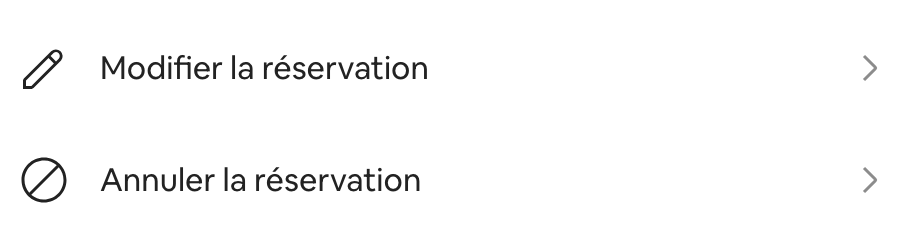
- Log in to your Airbnb account
- Open the Trips section
- Select the booking to cancel
- Click Cancel reservation
- Confirm your choice after reviewing the refund amount
The system automatically calculates the refund. It takes into account the host's policy, the check-in date and the current timeframe. You see the exact amount before confirming.
What refund the guest receives depending on the policy
Airbnb offers four cancellation policies for stays under 28 nights. Each one defines a full-refund threshold and a grid for late cancellations.
| Policy | Full guest refund | Partial refund | Host payout if late cancellation |
|---|---|---|---|
| Flexible | More than 24 h before check-in | None | Nights stayed + 1 additional night |
| Moderate | More than 5 days before check-in | None | Nights stayed + 1 night + 50% remaining nights |
| Non-refundable | More than 14 days before check-in | 50% between 7 and 14 days | 100% within 7 days |
| Firm | More than 30 days before check-in | 50% between 7 and 30 days | 100% within 7 days |
The calculation always depends on three elements: the active policy on the listing, the check-in date and the exact moment of cancellation. Airbnb displays the refundable amount before confirmation. Our calculator below applies all the rules, including the universal 24-hour rule.
The free 24-hour cancellation window for guests
Any Airbnb booking can be cancelled free of charge within 24 hours of confirmation. This universal rule has applied since 2025 to all standard policies.
- The cancellation must occur within 24 hours of confirmation
- The check-in date must be at least 7 days away
- Times are based on the property's time zone
- Some non-refundable hotel listings are exempt
Beyond this window, the cancellation policy chosen by the host takes effect. The guest can no longer cancel without conditions. They must follow the standard grid.
What is your property's potential?
Get a free, no-commitment rental audit from our on-the-ground team.
Cancellation due to force majeure
Airbnb has a policy covering extenuating circumstances. It overrides standard cancellation conditions. Both guest and host can cancel without fees or penalties.
Typically covered cases
- Major natural disaster at the destination
- Health emergency declared by authorities
- Political or security event (war, civil unrest)
- Official travel restriction issued by a government
- Death of the guest or the host
Excluded cases
- Individual illness or injury
- Unfavourable weather without an official declaration
- Personal transport issues
To activate this policy, the user must provide supporting documents. Airbnb assesses each request on a case-by-case basis. If you dispute the decision, open a claim with the traveller support team via the Help Centre to have the case reviewed.
Document everything. Dated photos, communications with Airbnb, official supporting documents. The more concrete and dated the context, the more likely Airbnb will rule in your favour.
How to cancel a booking as a host
Cancelling a confirmed booking is never neutral for a host. Airbnb imposes a minimum of €48, withholds the payout and may block the calendar.
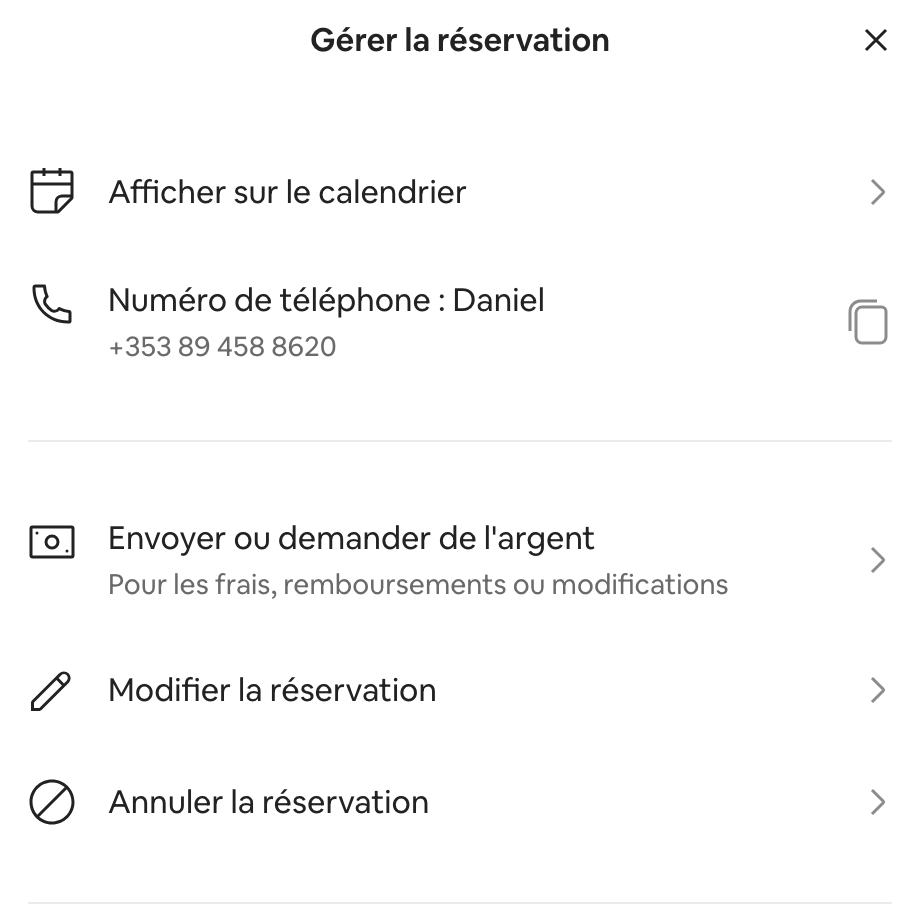
- Go to your host dashboard
- Select the relevant booking
- Click Cancel reservation
- Choose the reason (this may trigger an exemption)
- Confirm the cancellation
| Time between cancellation and check-in | Host fee |
|---|---|
| More than 30 days | 10% of the amount |
| Between 30 days and 48 hours | 25% of the amount |
| Less than 48 hours or after check-in | 50% of remaining nights' amount |
| Minimum floor in all cases | €48 (USD 50) |
The amount used excludes taxes and guest fees. For bookings of 28 nights or more, the calculation applies to the non-refundable portion. This portion is capped at 30 days following the cancellation date. To quickly estimate the exact cost for your situation, use the calculator below.
Before clicking cancel, contact Airbnb. Extenuating circumstances or valid reasons (major damage, guest breaking the rules) can lead to an exemption. A simple administrative cancellation always costs more than a phone call.
When the host is held responsible for a cancellation
A host can be held responsible even when the guest is the one clicking the cancel button. This happens when the listing does not match the reality of the property.
- Double booking: two guests on the same dates due to a calendar error
- Replaced property: change of accommodation not accepted by the guest
- Obvious inaccuracies: missing amenities, incorrect size, pool advertised but non-existent
- Non-compliant property: insufficient cleanliness, major breakdown not reported at check-in
In these cases, the host pays fees as if they had cancelled themselves. AirCover for guests may also be triggered. The host must then fund replacement accommodation. To protect yourself, keep your listing strictly up to date. If you need to contact support, our guide on contacting Airbnb lists all available channels.
A question about your project?
Talk directly with your local Vesna agent. Available, responsive, no commitment.
How to change your listing's cancellation policy
You can change your cancellation policy at any time. The change only applies to new bookings. Existing bookings remain subject to the previous policy.
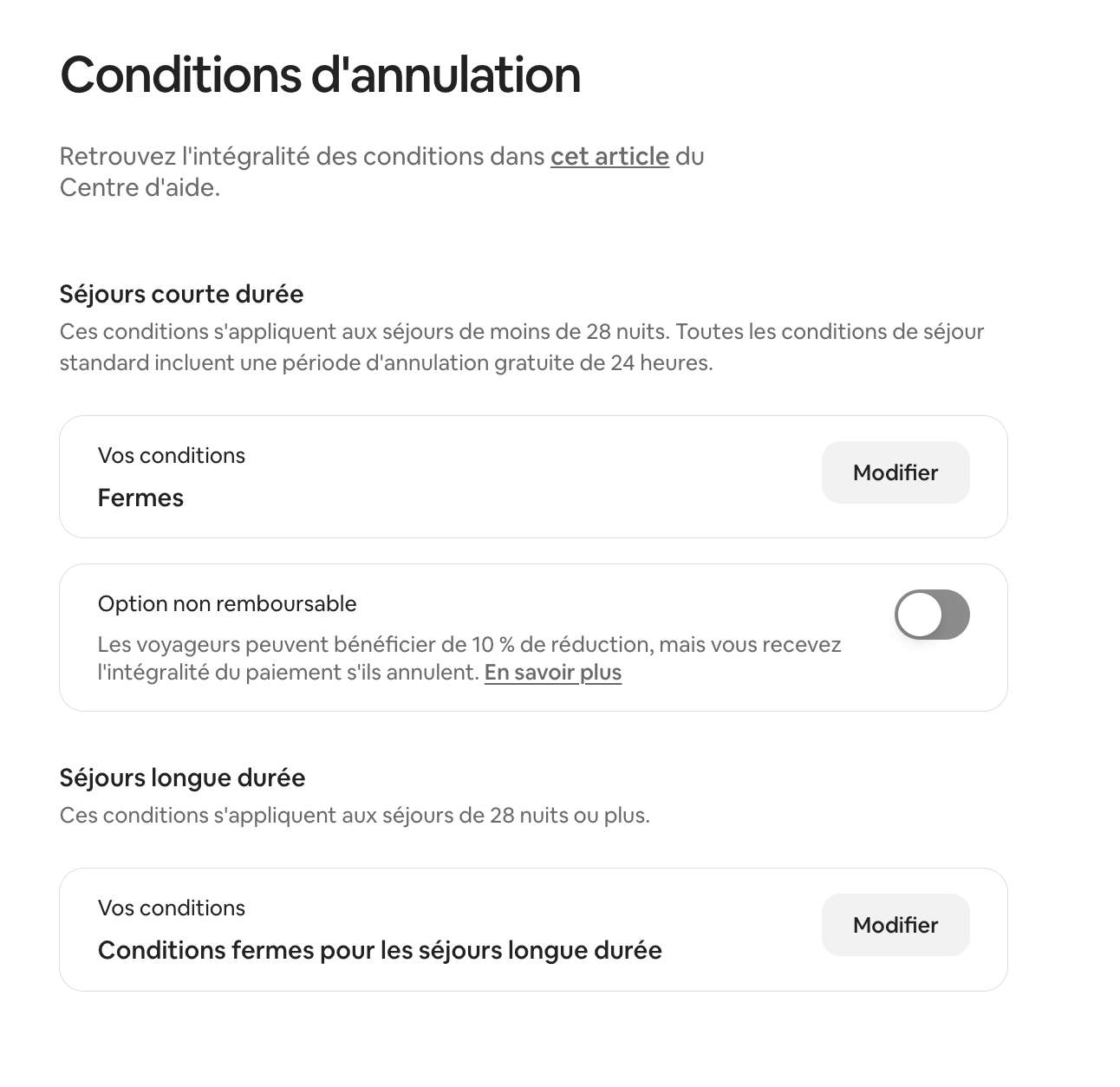
- Go to Listings on your dashboard
- Select the relevant listing
- Open the Policies and rules tab
- Click on Cancellation policy
- Choose the new policy
- Save
You can set a different policy for short stays (under 28 nights) and long stays. Also consider your short-term rental agreement. This document can complement the platform's rules.
Which cancellation policy to choose
Your choice of policy directly influences your booking rate and revenue stability. The stricter it is, the more it protects your income. The more flexible it is, the more it attracts hesitant guests.
| Host profile | Recommended policy |
|---|---|
| Urban property, frequent short rentals | Flexible or Moderate |
| High-end seasonal property | Firm or Non-refundable |
| Strong seasonality (peak season on the Côte d'Azur) | Non-refundable or Firm |
| Long-term rental (28 nights or more) | Firm long-term |
On the Côte d'Azur, the market is highly seasonal. Summer bookings are often made 6 months in advance. A Firm policy secures your peak-season income. A Flexible policy suits urban rentals in Nice that operate year-round.
The right choice also depends on your risk tolerance and availability. An Airbnb concierge service in Nice knows the market. It can adjust your policy based on your property and the season.
Frequently asked questions
How do I cancel an Airbnb booking without fees?
Guests can cancel without fees within 24 hours of confirmation. Check-in must be at least 7 days away. Beyond that window, the listing's policy applies.
How much does a cancellation cost an Airbnb host?
The minimum is €48 (USD 50). The exact calculation depends on the timeframe:
- More than 30 days before check-in: 10% of the amount
- Between 30 days and 48 hours: 25% of the amount
- Less than 48 hours: 50% of remaining nights
How do I change my Airbnb cancellation policy?
Go to Listings, select your property, open Policies and rules, then Cancellation policy. Choose the new policy and save. The change only affects future bookings.
How do I get a refund from Airbnb?
Cancel via your Airbnb account under Trips. The automatic refund appears according to the active policy. If there is a problem, contact Airbnb with evidence and track the decision in your messages.
How does the Airbnb refund work?
The refund is processed automatically by Airbnb to the original payment method. The timeframe depends on the bank, generally 5 to 15 business days. Taxes are refunded on a pro-rata basis for the time not spent in the property.
- 1.Your reservation cancellation policy — Airbnb Help Centre, October 2025.
- 2.Host cancellation policy for accommodations — Airbnb Help Centre, October 2023.
- 3.Cancelling a stay due to extenuating circumstances — Airbnb Help Centre.
- 4.Extenuating circumstances policy — Airbnb Help Centre.
- 5.Airbnb: is the host penalised for cancelling a booking? — TF1 Info, January 2025.
Read also